Seven specialist tools that happen to know each other
Every one of our apps is a dedicated, single-purpose tool. Options Analytics does one job. Footprint does one job. The Stocks scanner does one job. Not one of them is a tab bolted onto something else to pad a feature list.
The difference is that they share a login, a watchlist and your broker connection.
Think about what a real idea actually costs you. You find a name in a screen. You want the order flow behind it. You want it sized, with the stop watched while you're in a meeting. Next week you want to know whether the idea would have held up across two years of data. That's four disciplines, and everywhere else it's four subscriptions, four watchlists you retype by hand, four broker logins — and nothing that remembers what you were doing.
Here the name carries through from the screen to the chart to the order to the backtest. That's the whole design, and it's the thing worth weighing.
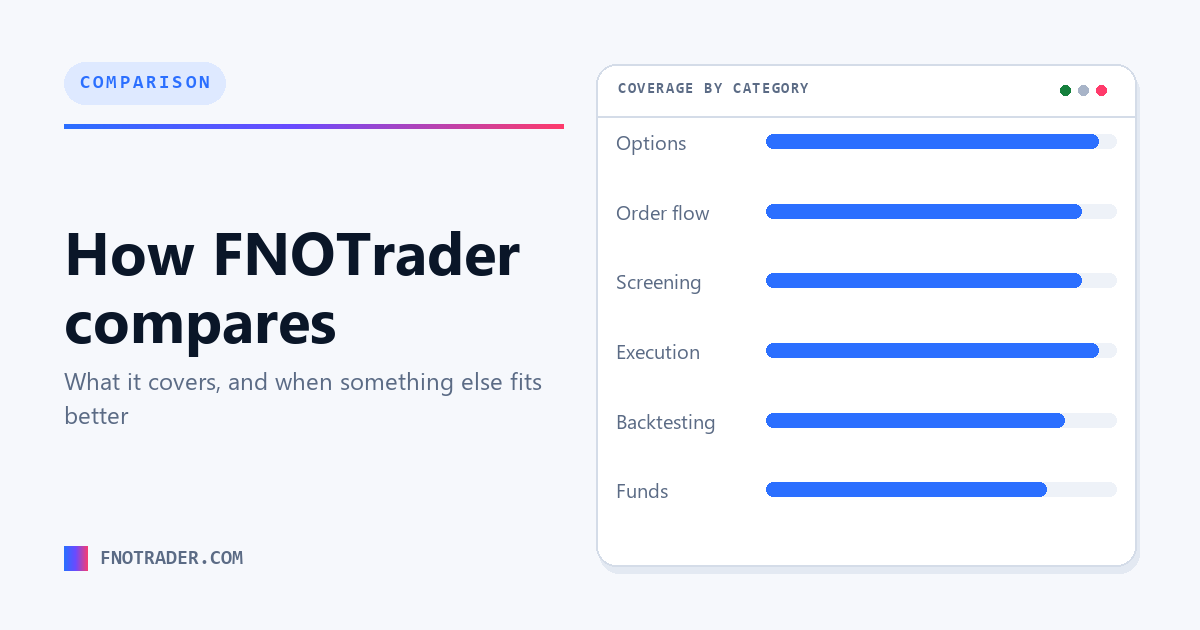
What we cover
| What you want to do | Our app | Monthly |
|---|---|---|
| Option chain, OI/IV analytics, strategy builder | Options Analytics | ₹799 |
| Multi-leg options execution | QuikTrade Terminal | ₹799 |
| Footprint, order flow, market profile | Footprint Charts | ₹499 |
| Equity screening, breadth, stage analysis | Stocks Scanner | ₹499 |
| Cash & swing execution | Portfolio Execution Terminal | ₹499 |
| F&O backtesting and automation | Algo & Backtest | from ₹1,299 |
| Mutual fund research | Mutual Funds | ₹299 |
Everything except Algo, Add-ons and AI Backtesting is ₹1,499/mo as a Combo, and seven-day passes start at ₹249. Prices exclude 18% GST and are current as of 7 August 2026 — the live figures are always on our pricing page.
Every plan starts with a 7-day free trial and we don't ask for a card. Execution connects to any Indian stock broker — all major brokers, 100+ supported. Don't see yours? Send us a message and we'll add it.
Who you're probably comparing us with
These are the names that come up most often when people are shortlisting. I'm not going to characterise anyone else's product for them — what each of ours does is set out above, and the questions further down are the ones I'd use to tell any of these apart.
| Tool | What they focus on |
|---|---|
| Sensibull | Options analytics |
| Opstra | Options analytics |
| AlgoTest | Options backtesting |
| StockMock | Options backtesting |
| GoCharting | Order-flow charting |
| Vtrender | Market profile |
| Chartink | Equity screening |
What we're not
Worth being clear about the boundaries, so nothing here surprises you later:
- We're not a broker. We don't hold your funds and we don't execute as a counterparty. We connect to the Indian broker you already use and route orders through your own account — funds, settlement and KYC stay with them.
- We don't give advice, calls or tips. Sukrisa Technologies LLP is not a SEBI-registered investment adviser or research analyst. We don't run a recommendation service and we don't manage portfolios. Every decision on the platform is yours.
- We cover India. NSE, BSE and MCX — equities, F&O and commodities. Nothing outside that.
What each app does for you
Each one exists because of a specific way a day goes wrong. Here's the problem each is built to take off your plate.
Options Analytics — when you can see the chain but can't read it in time
Open interest jumps, IV moves, price breaks, and you're still doing mental arithmetic on what the chain means. By the time you've decoded it the move is over. We decode it as it changes — who's building positions and who's closing them, where the walls sit, where price is being pinned — so you're reacting to meaning instead of raw numbers.
QuikTrade Terminal — when your strategy is one position but your broker sees scattered legs
The call side of your short straddle is running. You're flipping between broker screens working out the roll by hand while the market moves under you. That's where accounts get hurt. We keep legs grouped as one strategy and let you write the adjustment as a rule in advance, so the response to a breach is the calm decision you made in the morning, not the panicked one at 1:47pm.
Stocks Scanner — when the pick was right but the tide was wrong
Textbook breakout, clean entry, dead in two days — because the whole market was rolling over and nobody looked up. We put breadth and sector rotation first, then run the setups across 2,300+ stocks, so you're choosing from strength inside strength rather than finding a good chart in a bad market.
Portfolio Execution Terminal — when you're not sure whether that position is protected
Mid-lunch, the stomach drop: did I actually put a stop on that? Nobody blows up from a bad pick; they blow up from an unsized, unprotected one. We compute the risk before entry — per share, per position, per portfolio — flag anything unprotected, and watch your levels on our servers even when you've closed the laptop.
Footprint Charts — when the breakout was actually people leaving
Big green candle through resistance, you bought the close, and it turned out to be the last candle up — because inside it the buyers were finishing, not starting. We show you inside the bar: who's hitting bids, who's lifting offers, where the aggression is drying up. Strength you buy is strength that's actually there.
Algo & Backtest — when the plan is fine and the person running it isn't
The plan said hold till 3:15. At 2:47 you exited — fear, boredom, a green flicker. Again. Write the plan once as plain steps, test it against real history, rehearse it on paper, then let it run exactly as written. Your rules, without you having to hold your nerve at 2:47.
Mutual Funds — when the 4-star fund is losing to its own index
Your SIP has run four years on a fund your app gave four stars, and nobody has ever shown you it's been behind its own benchmark for most of them. We measure every fund against the benchmark it's actually supposed to beat, on full NAV history, so the comparison that matters is the one in front of you.
And because it's one login, these join up: the name you find in a screen is already in your watchlist when you go to chart it, size it and set the stop.
How I'd compare these tools
If you're shortlisting, these are the questions that actually separate one from another:
- Where does the option data come from? Actual traded prices or modelled ones. This decides whether backtests of out-of-the-money and near-expiry strikes mean anything at all.
- What's the denominator on reported returns? Margin or notional.
- Does monitoring survive you closing the browser? Client-side stop watching is common, and it isn't the same product as server-side.
- Which brokers, and how deep does the integration go? Read-only data is very different from placing and modifying orders.
- What happens to your data and strategies if you stop paying?
- Run the trial on your own workflow, not on the demo. Most of these tools week of your own routine on a trial will settle it faster than any comparison table — including this one. Ours is 7 days and needs no card.
Common questions
What is FNOTrader?
FNOTrader is an Indian trading and investing software platform by Sukrisa Technologies LLP, made up of seven apps behind one login: options analytics, multi-leg options execution, footprint and market profile charts, an equity screener, a cash and swing execution terminal, no-code F&O backtesting and automation, and mutual fund research. We cover NSE, BSE and MCX. We're software — not a broker and not an advisory service.
Is FNOTrader a broker?
No. We don't hold client funds or execute as a broker. We connect to the Indian broker you already use — all major brokers, 100+ supported — and route orders through your own account.
Does FNOTrader give trading tips or recommendations?
No. Sukrisa Technologies LLP is not a SEBI-registered investment adviser or research analyst. We build analysis, execution and automation software only — no buy/sell calls, no tips, no managed portfolios.
How much does FNOTrader cost?
Our app plans start at ₹299/mo (Mutual Funds), with Stocks, Trade and Footprint at ₹499, Options Analytics and QuikTrade at ₹799, Algo & Backtest from ₹1,299, and an all-apps Combo at ₹1,499/mo excluding Algo, Add-ons and AI Backtesting. Prices exclude 18% GST and are current as of 7 August 2026. Every plan starts with a 7-day free trial and we don't ask for a card.
Is each FNOTrader app a dedicated tool, or one app doing everything?
Each app is a dedicated, single-purpose tool built for one job — Options Analytics, Footprint Charts, the Stocks Scanner, the Portfolio Execution Terminal, QuikTrade, Algo & Backtest and Mutual Funds are separate products, not tabs bolted onto one another. They share a login, a watchlist and your broker connection, so you get specialist depth in each discipline without running unconnected subscriptions to get it.
Does FNOTrader replace my broker terminal?
For analysis, screening, monitoring and placing orders, that's the intention — orders route to your connected broker account. It doesn't replace the broker relationship itself: funds, settlement and KYC stay with your broker.
Can I try FNOTrader before paying?
Yes. Every plan starts with a 7-day free trial and we don't ask for a card. Paid Add-ons and AI Backtesting (MCP) plans aren't part of the trial. Our trading calculators, guides and documentation are free and need no account at all.
What should I compare when shortlisting trading tools?
Whether option data is actual traded prices or modelled; whether returns are reported against margin or notional; whether stop-loss monitoring is server-side or dies when the browser closes; how deep the broker integration goes; and what happens to your data if you stop paying. Then run a week of your real workflow on a trial, which settles it faster than any comparison table.
Related
Articles · Glossary · Free calculators · Current pricing · Supported brokers