What actually happens when you ask
The assistant does not simulate anything itself. It calls the same engine the Algo & Backtest app uses, step by step.
- get_capabilities — what is supported: underlyings and their exact data ranges, the strike window, expiries and features.
- get_strategy_guide — the strategy format, generated from the engine's source, including a map from the Builder's on-screen controls to strategy fields.
- save_strategy — stores the strategy in your account and returns warnings for anything it had to default.
- run_backtest — submits it over a date range and returns a job id.
- get_backtest_result — a summary (P&L, win rate, drawdown, CAGR), the daily P&L series, or the paginated trade list with every leg's fills.
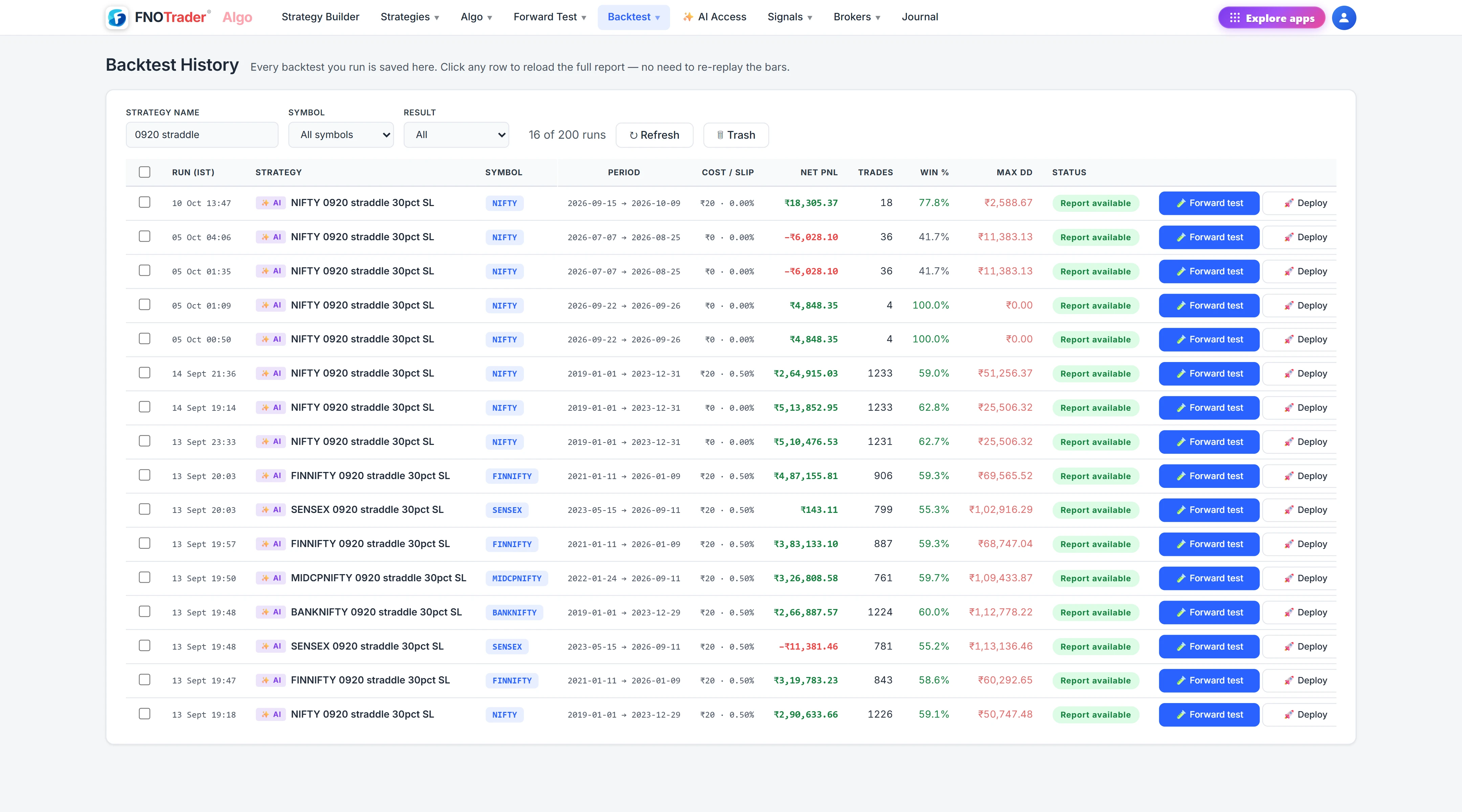
The strategy it saves is an ordinary strategy: you can open it in the Builder, change it, and the run is in your Backtest History.
The settings that change the answer
| Setting | What it does |
|---|---|
| Entry and square-off time | IST; 09:20 and 15:25 if not stated. |
| Strikes | Relative to ATM, within ATM ± 40 strikes. |
| Capital | Drives return % and CAGR. |
| Cost per leg | A flat ₹ charge per executed order. |
| Slippage % | An adverse fill per side. |
| Intrabar touch | Fills stops and targets when the bar's high or low touches them, as live orders would. |
For a range over about 13 months, the server asks the assistant to come back with questions the strategy has not pinned down — which weekdays, days to expiry, intraday or positional, entry and exit times, stop-loss — rather than guess. A good assistant asks you; let it.
Sweeps and comparisons
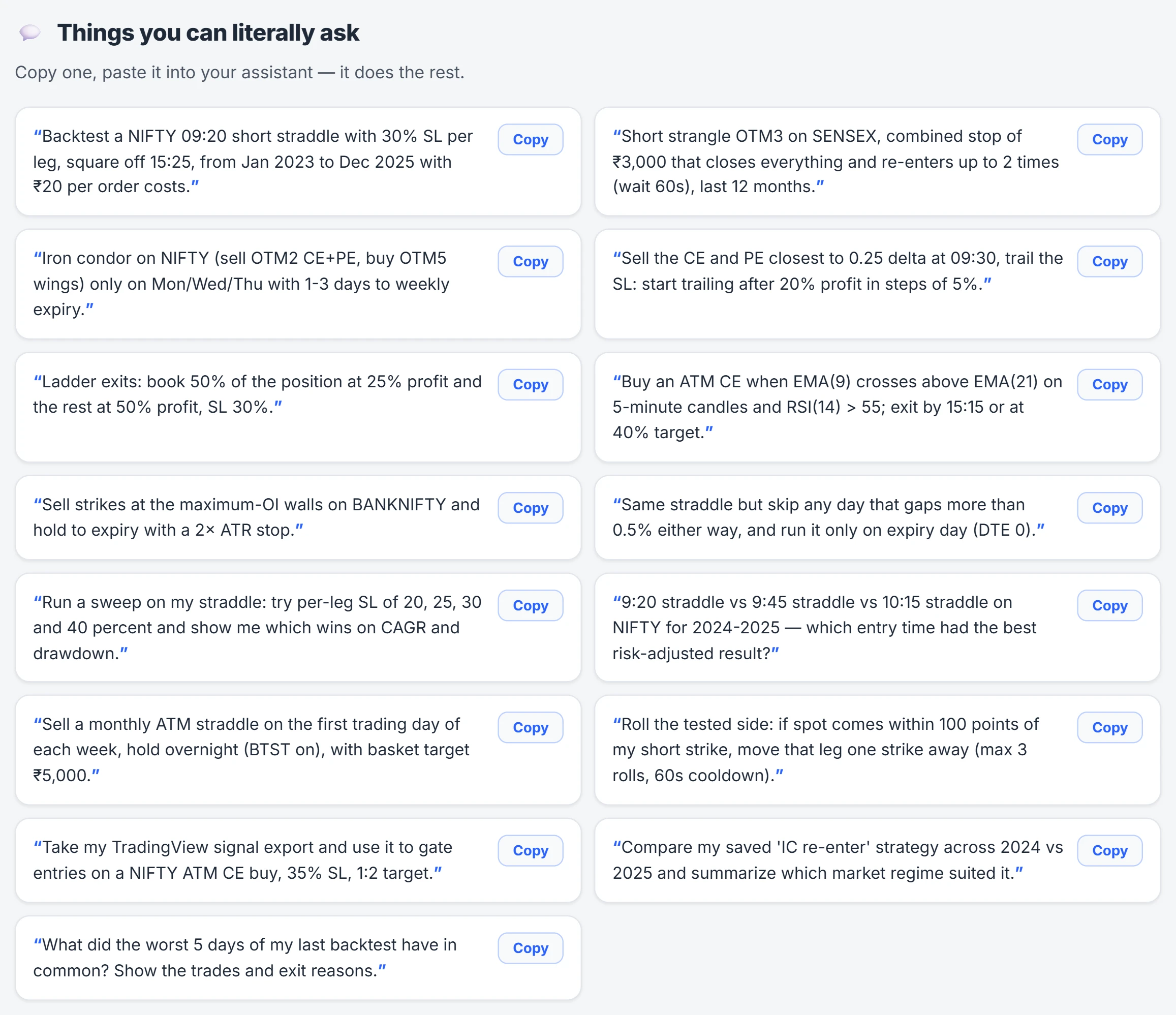
run_backtest_sweep runs several variants of one saved strategy in one job: each variant changes named fields, such as the stop-loss on leg 0, and the result has stats per variant. That is how "try 20, 30 and 40% stops" becomes three comparable runs instead of three conversations.
compare_backtests takes 2 to 6 finished runs and puts their stats side by side, with the pairwise correlation of daily P&L where the dates overlap. Two strategies with similar returns and a correlation near 1 are one bet held twice; a low correlation is the first sign they might diversify each other.
A run can also trade on external signals — a list of entry and exit timestamps, such as a TradingView strategy's trade list — which gate the entry or bind to a signal in the strategy's own rules.
A worked example
You ask: "Backtest a NIFTY ATM short straddle, entry 09:20, exit 15:15, 30% stop per leg, Tuesdays only, 2024 to 2025, ₹5 lakh capital, ₹20 per order."
The assistant saves one strategy with two SELL legs at ATM, a 30% stop on each, Tuesday only, and runs it. Note the cost arithmetic it is using, with hypothetical counts: two legs in and two out is four orders a day; at ₹20 each that is ₹80 a day; over 100 traded days, ₹8,000 of costs before slippage. Then: "Sweep the stop at 20/30/40%" produces three variants, and "compare the 30% run with my iron condor" returns both side by side with their daily correlation.
Where people go wrong
- Letting the AI fill gaps silently. Read the warnings save_strategy returns and state the defaults you care about.
- Optimising on one sweep. The best of ten stop-loss values on one period is partly luck. Check it on a different period.
- Ignoring costs. Leave cost and slippage at zero and a strategy with many small trades looks far better than it is. Options backtesting in India covers what a credible test reports.
Where to find it
- Connect your assistant (see connecting your AI).
- Describe the strategy, period, capital and costs in plain English.
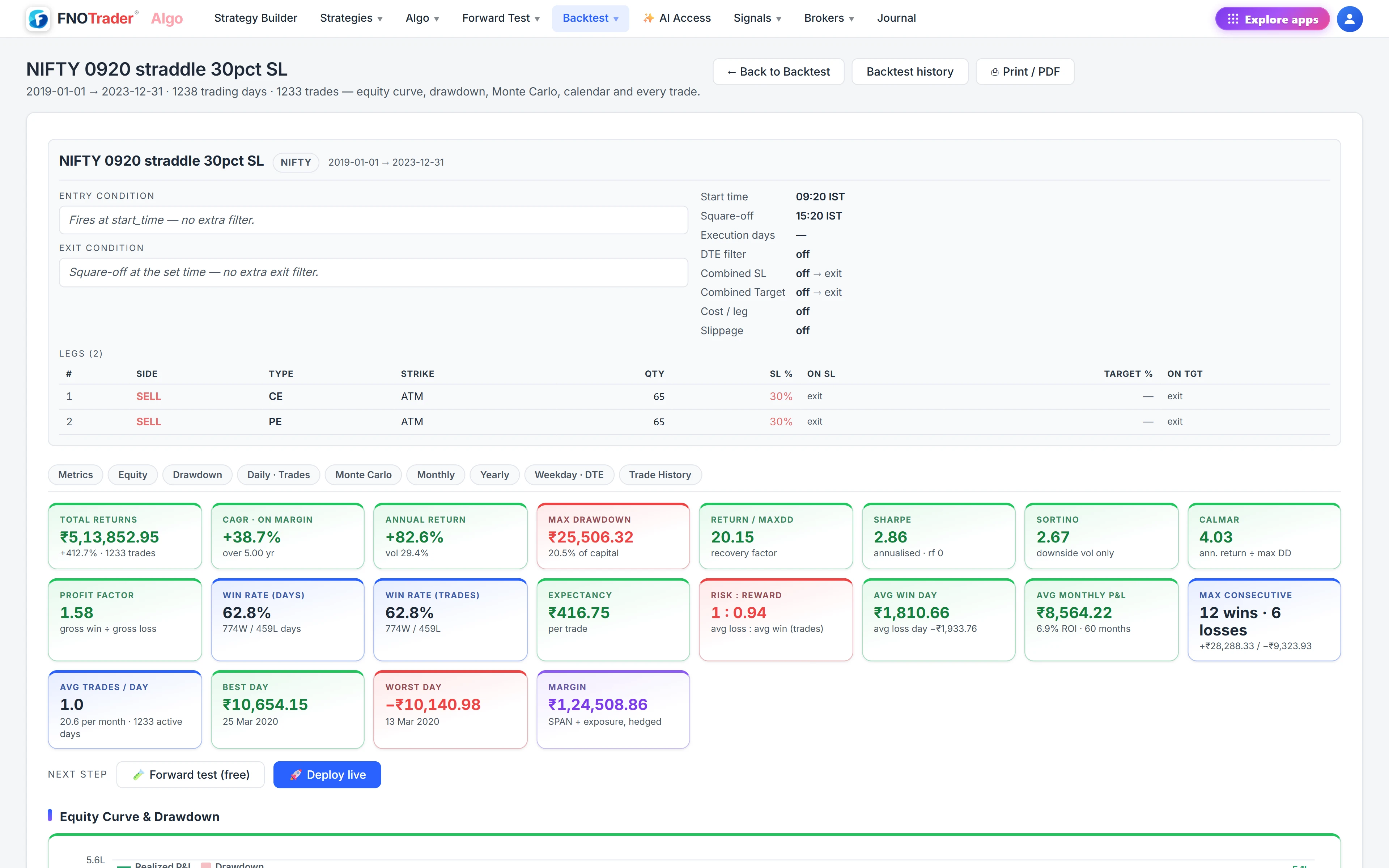
- Open Backtest History in the Algo app to see the full report.
Common questions
Which underlyings can I backtest with an AI?
Index options including NIFTY, BANKNIFTY and SENSEX, plus supported stock underlyings. The assistant can list exact data ranges with get_capabilities.
Is an AI backtest the same as one run in the Algo app?
Yes. It uses the same engine and data, and the run appears in your Backtest History.
Can the AI test several stop-loss values at once?
Yes, with a sweep: several variants of one strategy in a single job, with stats for each.
Why does the AI ask me questions before a long backtest?
For ranges over about 13 months the server asks it to confirm weekdays, days to expiry, timings and stops rather than guess them.
More on Ask AI & AI backtesting
More in Ask AI & AI backtesting · App: AI backtesting · Definitions: glossary · All: every article