Why followers drift
A copier sees orders. It does not see things that happen to a follower without an order from it.
The usual causes: an entry copy that was rejected or cancelled; a multiplier changed while the leader held positions; a broker's own intraday auto square-off or RMS cut; a manual trade in the follower; or a group switched on after the leader had already built a position, which is baselined and never copied. Check Positions reads the actual positions in both and lines them up.
How to read the table
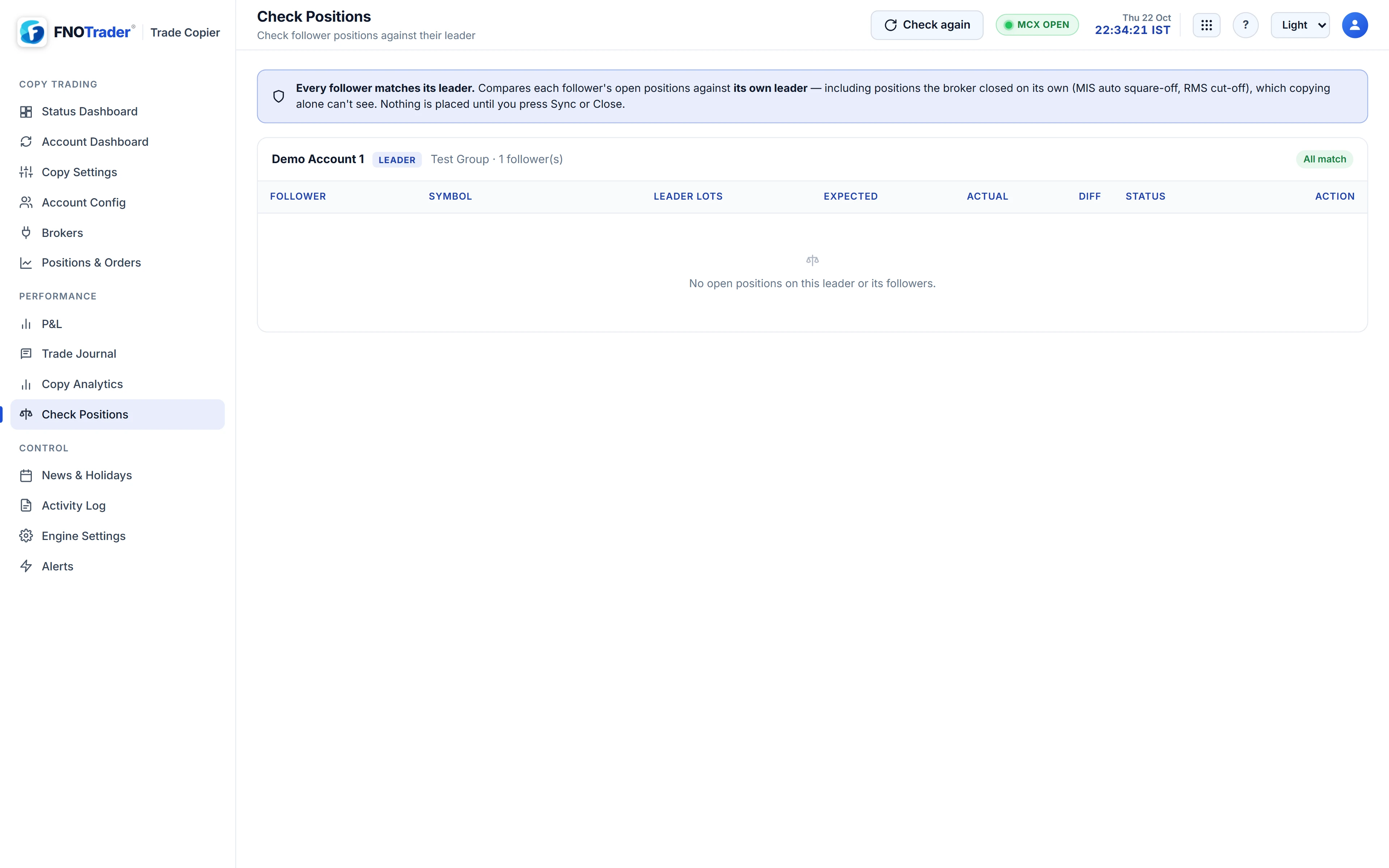
Each row is one follower in one contract: leader lots, expected lots, actual lots, the difference and a status.
| Status | Meaning |
|---|---|
| OK | The follower matches. |
| Deviates | There is a gap; Sync would place it. |
| Orders working | An order covering the gap is already open at the broker, so it is not re-sent. Let it fill or cancel it, then check again. |
| Held | A fix would add exposure but is blocked — the account is locked, the symbol is not allowed by the group's lists, or the follower's order book could not be read. |
Expected = the leader's current position × the follower's current sizing, through the group's reverse and mapping rules. With contract mapping, a follower is checked against the contract it actually trades — SENSEX, say, for a NIFTY leader. A follower position in a contract the group copied, which the leader no longer holds, shows as a row to close.
Fixed-lot followers: direction only
A fixed-lot follower gets N lots per leader order, so its size depends on how many orders the leader placed, not on the leader's position. There is no "expected size" to compare. Check Positions therefore checks direction only: same side as the leader is in sync, and the note says the size was not compared. This is also why multipliers are whole numbers — with them, the expected position is exact.
Sync and Close: nothing moves until you confirm
Sync places the orders that close the gap on Deviates rows; Close squares off one follower's position in one contract. Nothing is placed until you press one and confirm.
- A fix that adds exposure obeys the same guards as a copy: locks and symbol lists.
- Real accounts are priced from a live market price as a protected LIMIT; with no live price, nothing is sent.
- Buys go first; sells go only once that follower's buys have filled, so a hedged book is not rebuilt short-first. See hedge first.
- Each order is then looked up in the follower's book. A rejection is reported with the broker's reason rather than logged as fixed.
- After a Sync that placed orders, another must wait about 15 seconds, because positions lag fills and an immediate second Sync would see the same gap and place it again.
- A close based on the leader being flat is proposed only when the leader's read succeeded and the copier's own count agrees, so an empty answer from a throttled broker never flattens followers.
A worked example
Hypothetical. A follower is at ×2. The leader buys 1 lot; the follower buys 2. The multiplier is changed to ×5 and the leader buys 1 more; the follower buys 5 and holds 7. Check Positions expects 2 × 5 = 10, sees 7, and shows Deviates 3. Press Sync and confirm, and it buys 3. Leave it, and when the leader sells its last lot later the exit is capped at what the follower holds, so the follower still ends flat.
Where to find it
- Open Check Positions and pick the group.
- Read each Deviates, Orders working and Held row.
- Press Sync on a row or for a follower, or Close on a row, and confirm.
- The Account Dashboard also shows whether each group is in sync.
Common questions
How do I bring a follower back in line with the leader?
Open Check Positions, find the Deviates row and press Sync. Nothing is placed until you confirm.
Why does a fixed-lot follower show OK when its size differs from the leader?
Fixed-lot followers are checked for direction only, because their size depends on how many orders the leader placed.
Will Sync re-send an order that is still open at the broker?
No. Orders still working at the broker count, and the row shows Orders working instead.
Can Check Positions see a broker's own auto square-off?
Yes. It reads actual positions, so positions the broker closed on its own show up as drift.
More on Trade Copier
More in Trade Copier · App: Trade Copy · Definitions: glossary · All: every article