What the marketplace is
The marketplace is where FTScript indicators and strategies are shared. Anyone can browse it, search it, filter by category, free or paid and type, and sort by newest or most popular.
Publishing is separate from saving. You can keep a script in My scripts for months; it is shared only when you choose to publish it, and saving again later does not silently republish.
The two choices: privacy and visibility
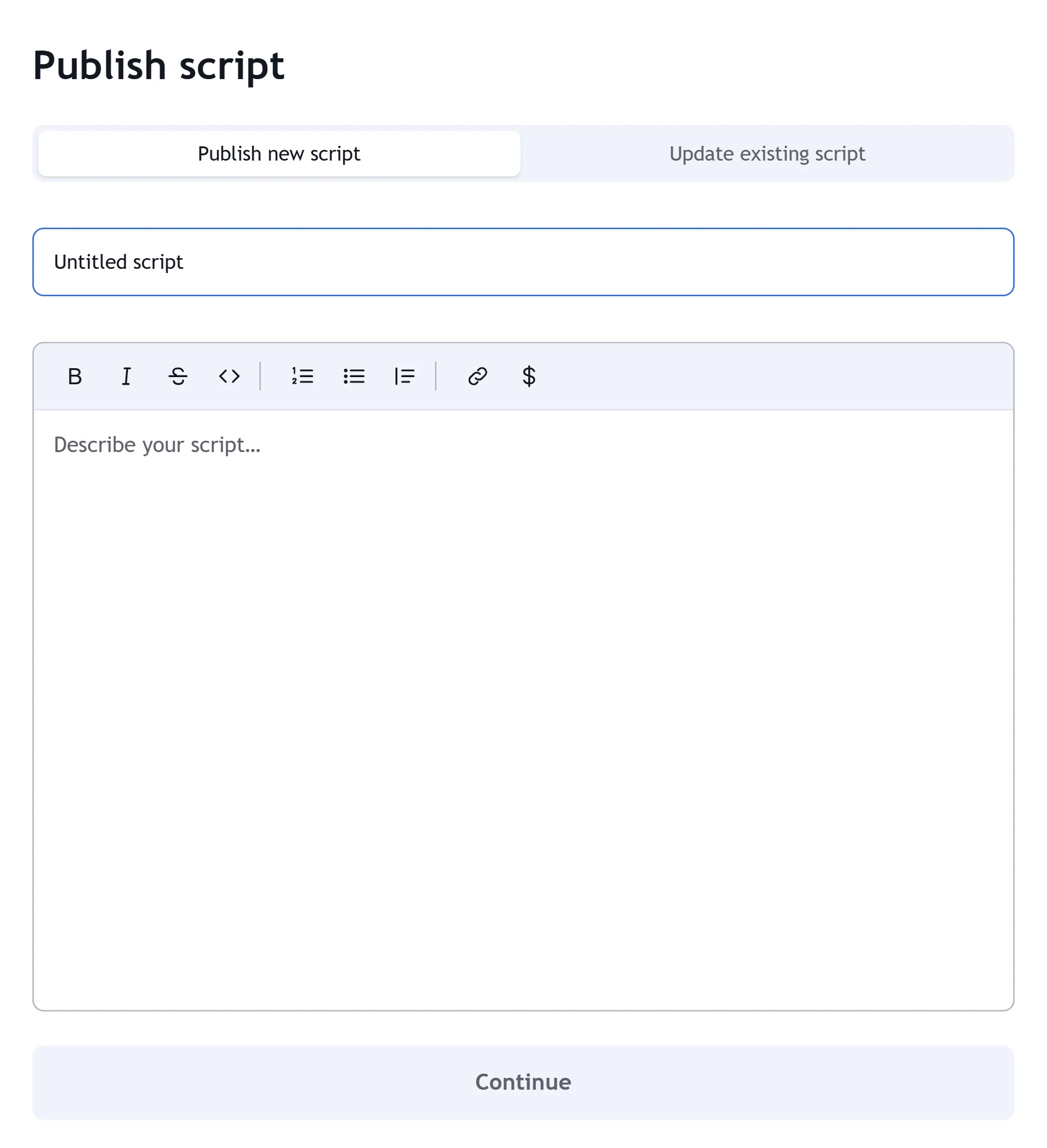
Publishing takes two steps: a title and a description, then the final touches. The final touches are two independent choices.
| Setting | What it means |
|---|---|
| Public | Listed in the marketplace and visible to everyone. |
| Private | Never listed. Only people with the link can open it, and you can edit or delete it at any time. |
| Open | Source code is visible. Anyone can favourite it, apply it to a chart and see or copy the code. |
| Protected | Source code is hidden. Anyone can apply it to a chart; it runs on our servers, so the code never reaches their browser. |
| Invite-only | Source code is hidden and only people with access can use it. Everyone can see the script page. |
A public script needs at least one category, and you can pick up to three from a fixed list: trend analysis, moving averages, oscillators, momentum, volatility, volume, bands and channels, breadth indicators, candlestick analysis, chart patterns, cycles, pivot points, support and resistance, statistics, options, order flow, strategies and utility. Tags are optional.
To update a published script, choose “Update existing script” and write release notes; each version keeps its own notes.
Selling an invite-only script
For an invite-only script you set a one-time price for one or more access periods: 1 month, 3 months, 6 months or 1 year. Leave a period blank and it is not sold. Leave all of them blank and the script is free invite-only — anyone signed in gets access with one click on the script page.
Prices are before GST; 18% GST is added at checkout. FNOTrader takes the payment, grants access once the payment is confirmed, and ends access automatically when the period runs out. There is nothing for the author to switch on or off for each buyer.
The author earns 80% of each sale’s price before GST; FNOTrader keeps 20%. Payouts are made monthly to the bank account or UPI id you add on the Earnings page.
A worked example
Suppose (hypothetically) you price the 3-month period at P and the 1-year period at Y, and in a month you sell four 3-month and one 1-year access.
- Sales before GST: 4P + Y.
- Your share: 0.8 × (4P + Y).
- The buyer pays the price plus 18% GST; the GST is not part of the amount your 80% is taken from.
The publish screen does this arithmetic for you as you type each price, showing what you earn per period.
The creator dashboard
The creator dashboard lists every script you have published — open, protected or invite-only — with how many people use it (ever, in the last 7 days and the last 30 days), chart adds, views, favourites and price, plus the share link.
For an invite-only script it also lists who has access, how they got it (paid or free), the period, and when access started and ends, with your sales count and revenue. The Earnings page shows what you are owed and every payout made, with its transfer reference.
Rules and common mistakes
- No contact details. Every field, including the source code, is screened for WhatsApp or Telegram links, social links, phone numbers, emails, UPI ids and requests to contact you off-platform. Publish stays disabled while anything is flagged, and the server checks again on publish.
- You must agree to the House Rules before publishing.
- Describe, do not promise. Say what the indicator measures and how to read it. Claims about returns do not belong in a script description.
- Choosing Open when you meant Protected exposes the code. Check the visibility before you press Publish.
Where to find it
- Write and save your script in the editor on FNOTrader Charts (see FTScript).
- Press Publish script in the editor toolbar.
- Add a title and description, then set privacy, visibility, categories and, for invite-only, prices.
- Track usage on the creator dashboard and payouts on Earnings.
Common questions
How much does a script author earn on FNOTrader?
80% of each sale's price before GST. FNOTrader keeps 20% and pays authors monthly.
Can people see my code if I publish a script?
Only if you choose Open. Protected and invite-only scripts run on FNOTrader's servers, so the code never reaches the user's browser.
What is an invite-only script?
A script only people with access can use. You can sell access for 1, 3, 6 or 12 months, or give it free with one click.
Does access end automatically?
Yes. Access starts when the payment is confirmed and ends by itself when the period runs out.
Can I keep a published script unlisted?
Yes. Choose Private: it is never listed in the marketplace and only people with the link can open it.
More on Charts & Marketplace
More in Charts & Marketplace · App: FNOTrader Charts · Definitions: glossary · All: every article