What the Journal records
Every executed run is captured automatically when it finishes — orders, positions and P&L — and grouped by day, strategy, portfolio and account.
There are two journals: the Algo Journal for real-broker runs and the Forward Test Journal for demo runs, so paper results never blur into real ones. Runs blocked by their own gates, such as a day filter, placed no legs and are left out of the metrics.
Day Summary
Pick an IST date and the Day Summary shows every run that belonged to it — started or finished that day, so an overnight carry appears on both days.
- Totals for the day.
- Account MTM path: one line per broker account, every strategy on it summed minute by minute. This is how the day actually felt, including the intraday low a closing number hides.
- Strategy-wise table: mode, accounts, runs, orders, positions and P&L.
- Account-wise table: each account with its strategies, which you can expand or collapse.
P&L here is each run's combined MTM — final for finished runs, live for running ones.
Overall metrics, equity curve and breakdowns
Below the Day Summary are the long-run numbers across all executed runs:
| Metric | How it is calculated |
|---|---|
| Win rate | Winning runs ÷ runs |
| Expectancy | Average P&L per run |
| Profit factor | Gross profit ÷ gross loss |
| Payoff ratio | Average win ÷ average loss |
| Max drawdown | Largest peak-to-trough fall of the daily realised equity curve |
| Sharpe (daily) | Mean ÷ standard deviation of daily P&L × √252 |
| Sortino (daily) | As Sharpe, counting only downside volatility |
| Streaks, average hold | Longest winning and losing runs of runs; average and median holding time |
The equity curve is cumulative realised P&L by day with a drawdown band, drawn the same way as in a backtest report so the two can be compared directly. It appears once there are two trading days of runs. Then come a portfolio-level table, a strategy-level table where clicking a strategy opens its run-by-run detail, and holding-time analysis.
Holding-time analysis
Runs are grouped by how long they were held: under 15 minutes, 15–60 minutes, 1–3 hours, 3–6 hours, and over 6 hours (overnight), each with runs, win %, average and total P&L.
It answers a question traders rarely ask directly: where does the money come from? A strategy meant to hold all day that makes all its profit in runs stopped out within 15 minutes is not doing what you think — and the bucket that loses most is usually the one to study first.
A worked example
Suppose a hypothetical strategy's live runs show gross profit ₹60,000 and gross loss ₹40,000. Profit factor is 60,000 ÷ 40,000 = 1.5.
Its daily P&L averages ₹400 with a standard deviation of ₹5,000. Daily Sharpe is 400 ÷ 5,000 × √252 ≈ 0.08 × 15.87 ≈ 1.27.
If its backtest showed a Sharpe near 2.5 and a profit factor near 2, live is running at about half the quality. The next step is the forward test comparison: same days, same entries? Then the gap is fills and friction. Different entries? Then it is the rules.
Common mistakes when reading a journal
- Judging a strategy on a few weeks. A short live record sits well inside the range a backtest's Monte Carlo card shows for normal luck. Compare against that range, not against the backtest's single total.
- Reading the closing P&L only. The account MTM path shows how deep the day went before it recovered. That intraday low is what your broker margin and your nerves actually had to carry.
- Mixing paper and live. Keep the Forward Test Journal and the Algo Journal apart when you compare; paper fills are instant and flatter the result.
- Ignoring the run count. A 70% win rate over ten runs says very little.
Where to find it
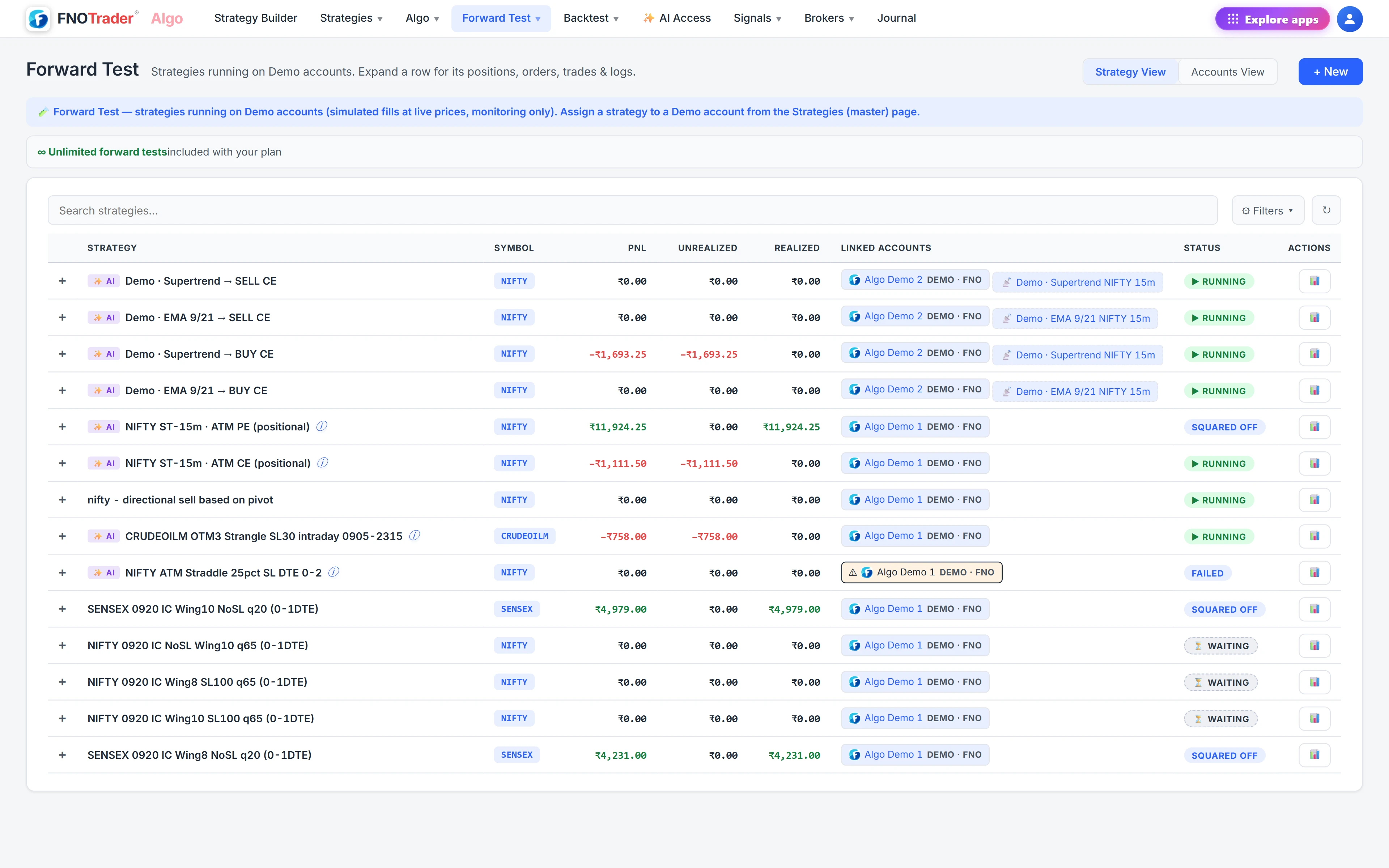
- In Algo, open Journal under Algo for live runs, or under Forward Test for demo runs.
- Pick a date in Day Summary and click Refresh.
- Scroll to the equity curve, portfolio and strategy tables and holding-time analysis.
- Click a strategy for its run-by-run drill-down.
For the backtest side of the comparison, see reading the backtest report.
Common questions
Do I need to log my algo trades manually?
No. Every executed run is captured automatically when it finishes, with its orders, positions and P&L.
Are paper and live results mixed in the Journal?
No. The Algo Journal shows real-broker runs and the Forward Test Journal shows demo runs.
How is Sharpe calculated in the Algo Journal?
Mean daily P&L divided by the standard deviation of daily P&L, multiplied by the square root of 252. It needs at least two trading days.
What does the account MTM path show?
One line per broker account with every strategy on it summed minute by minute for the chosen day, so you can see the intraday low and high, not just the closing figure.
More on Algo & Backtesting
More in Algo & Backtesting · App: Algo & Backtest · Definitions: glossary · All: every article