Guards exit, rules adjust
Rules are attached to one strategy group in your book and act on its legs.
Open them with Rules on a strategy header. Each saved rule shows a plain-English summary, and flags itself N/A when it does not fit the strategy's current shape. Rules run on the server, so they keep working with the Terminal closed; the browser also evaluates them for instant on-screen notices, but only the server places orders.
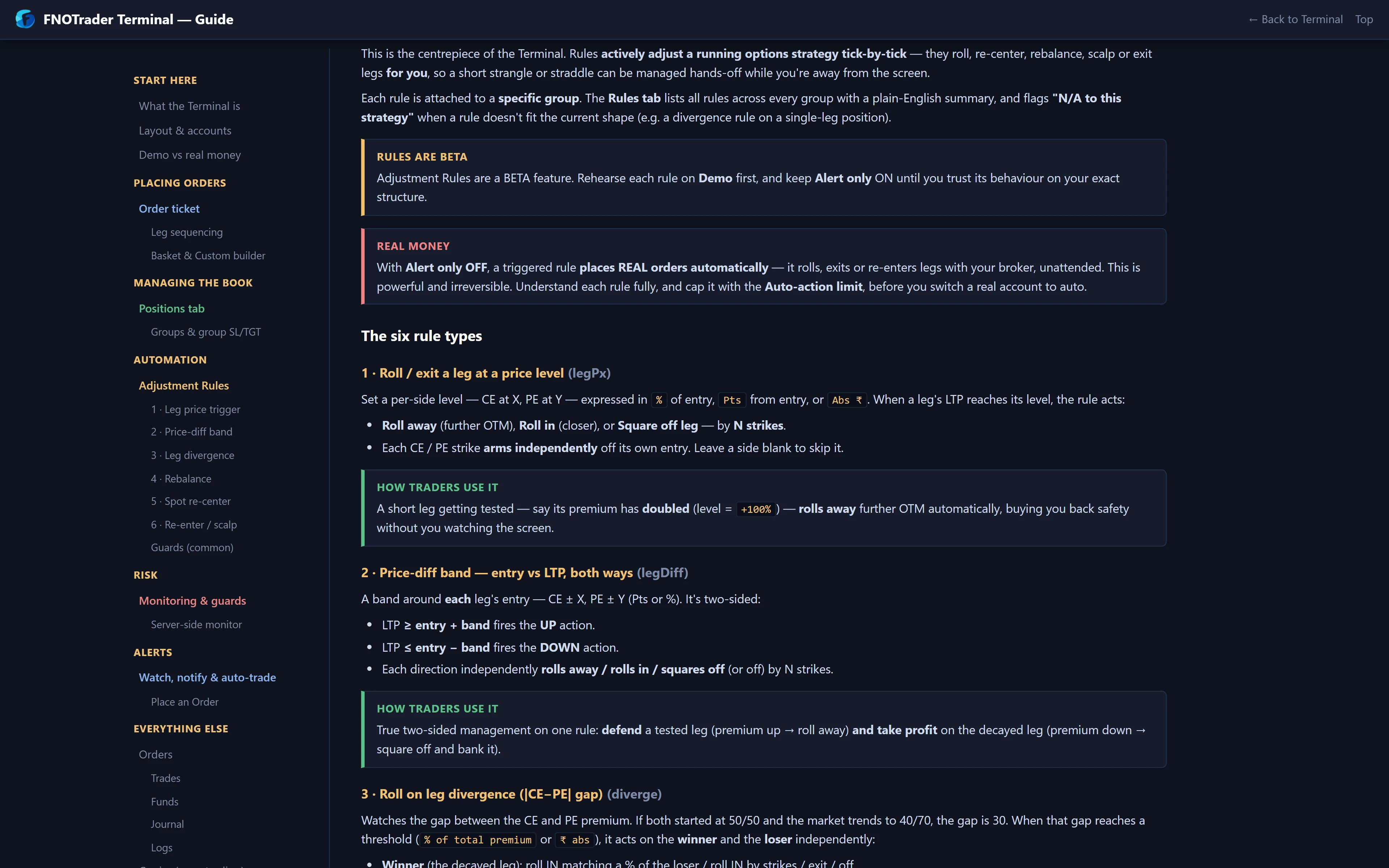
The seven rule types
| Rule | Fires when, and does |
|---|---|
| Roll / exit a leg at a price level | A leg's LTP reaches a level off its entry (% , points or ₹) → roll it away, roll it in, or exit, by N strikes |
| Price-diff band | LTP moves a band above or below entry → separate up and down actions, so you defend a tested leg and harvest a decayed one |
| Leg divergence | The CE–PE premium gap reaches a threshold → the winner rolls in (by strikes, or to match a % of the loser) and the loser rolls away or exits |
| Rebalance at ratio | One leg's premium is N× the other → an alert only, no order |
| Spot re-centre | The underlying moves X% or X points from entry on your ATM basis → close both legs and reopen at the new ATM ± offset |
| Strategy re-entry | Combined premium crosses your exit level, then later your re-entry level → out and back in, up to N times a day |
| Leg re-entry | The same, per sold leg |
Divergence, rebalance, re-centre and the re-entry rules need a one-call-one-put straddle or strangle shape. Both re-entry rules need Auto, because "alert me to re-enter" is just an alert.
The guards on every rule
- Alert only — starts unticked. Unticked, a triggered rule places live orders on a real account the instant it fires. Ticked, it only alerts and writes the exact action it would have taken to the journal. Run it alert-only, or on Demo, until you trust it.
- Auto-action limit — default at most 3 actions a day, at least 60 seconds apart, so a whipsaw cannot churn the account.
- Minimum CE–PE strike gap — default 100; no roll may cross the legs or bring them closer than this.
- Only sold legs — ticked by default, so price rules act on your short legs and never touch a hedge you bought. Untick it to manage the legs of a long straddle instead.
Rules are edge-triggered: after firing, a rule re-arms only once its condition has been false again. And a server-side roll always waits for the close to confirm flat before it opens the new leg, so a rejected close never leaves you stacked with an extra position.
Worked example: divergence and re-centre
Hypothetical short strangle: 24,300 CE and 23,700 PE, both sold at ₹50.
Divergence. NIFTY drifts down; the CE falls to ₹40 and the PE rises to ₹70. Gap = 70 − 40 = 30. With a threshold of 25, the rule fires. Set to "match 80% of the loser", the winning CE is rolled in to a strike priced near 0.8 × 70 = ₹56, collecting more premium on the side the market is moving away from and pulling the structure back towards balance.
Re-centre. On a straddle sold at 24,000 with a 0.75% threshold, the trigger is 0.0075 × 24,000 = 180 points. Spot at 24,190 fires it: both legs close and a new straddle opens at the 24,200 ATM. With the default limit, that can happen at most three times that day, at least a minute apart.
Adjustments are not free. Each roll crosses two spreads and resets your strikes; three of them on a trending day can cost more than the original stop would have.
Common mistakes
- Leaving Alert only unticked on the first try. It is the default. Read the checkbox before saving.
- Rules on the wrong shape. A re-centre on a two-call spread shows N/A and does nothing. Check the summary line.
- Raising the action limit to "let it work". The limit exists for whipsaw days, which are exactly when rules fire most.
- Not reading Logs. Every rule action, regrouping and roll is logged with time and account. When something moved without you, look there first.
Where to find it
- In the Terminal's Positions tab, find the strategy group.
- Click Rules on its header and pick a rule type from the dropdown.
- Set levels, then the guards: Alert only, action limit, strike gap, only sold legs.
- Save; the header shows how many auto-actions have run today against the cap.
Pair rules with a strategy-level stop from risk guards so there is always an exit if adjustments run out. For the structures themselves, see straddle vs strangle.
Common questions
Do adjustment rules place real orders?
Yes, unless Alert only is ticked. The box starts unticked, so a saved rule trades live on a real account by default.
How many times a day can a rule act?
By default at most 3 actions a day, at least 60 seconds apart. You can change both in the rule's guards.
What is spot re-centre?
When the underlying moves a set % or number of points from entry, the rule closes both legs and reopens the straddle or strangle around the new ATM.
Will a rule touch the hedges I bought?
Not by default. Only sold legs is ticked, so price rules act on short legs only. Untick it to manage long legs.
More on QuikTrade Terminal
More in QuikTrade Terminal · App: QuikTrade Terminal · Definitions: glossary · All: every article