What you get
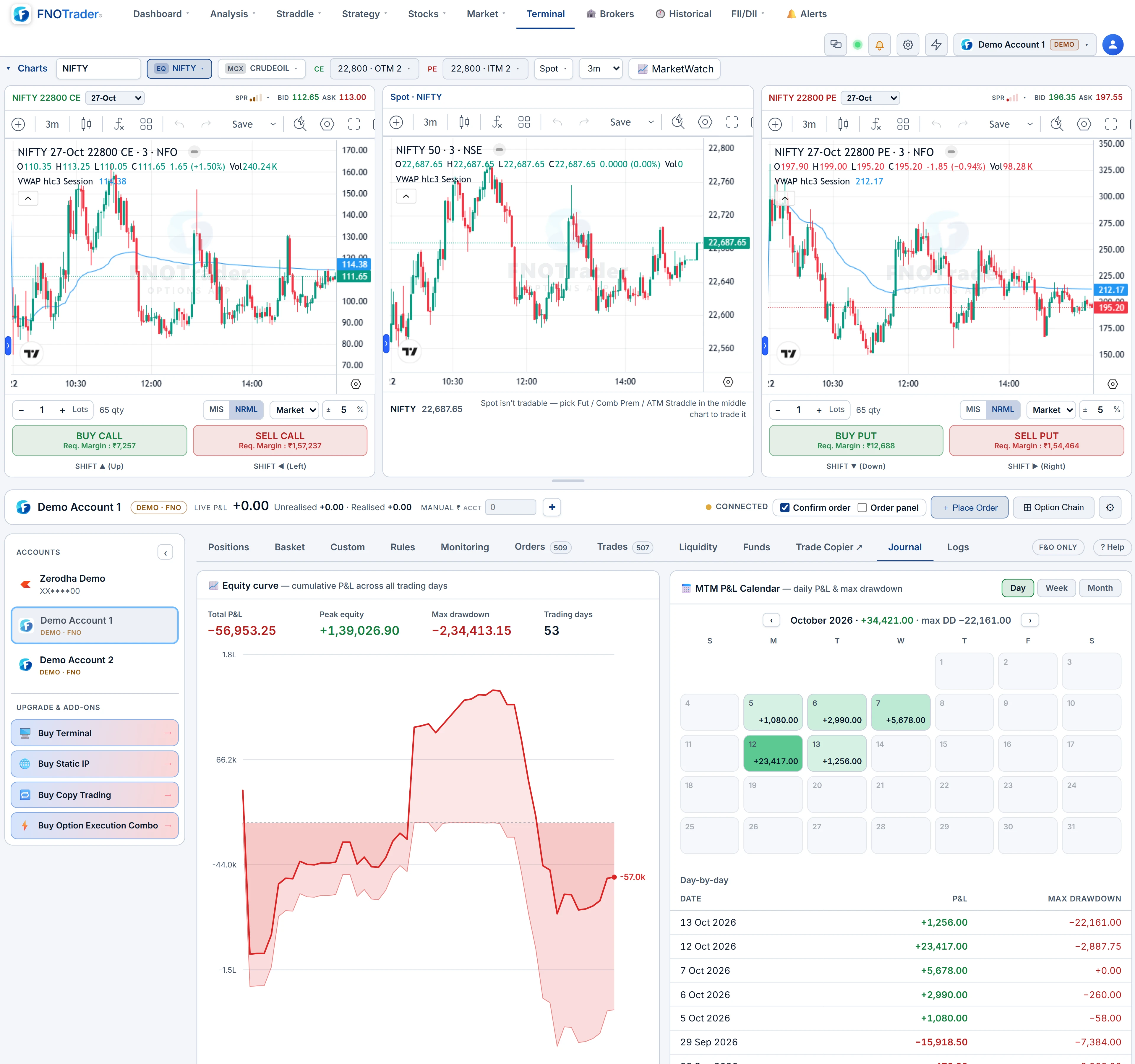
Two Demo accounts, each starting with ₹1 crore of practice capital, always logged in.
They appear in the Terminal's accounts sidebar and on the Brokers page next to real accounts, with a DEMO badge. No broker, no API keys, no static IP. Everything in the Terminal works on them — the ticket, the basket, chart triggers, guards, adjustment rules, alerts that place orders, the journal.
The habit to build: before any real account is selected, glance at the account bar. The DEMO badge means paper; no badge means real money.
How Demo orders fill
Demo orders follow exchange logic rather than filling everything instantly:
| Order | What happens |
|---|---|
| Market / protected market | Fills at the live price at the time of the order |
| Marketable limit | Fills straight away |
| Limit away from the market | Rests as OPEN until the live price reaches it; a gap through it fills at the better price |
| Stop (SL-M) | Rests until the trigger is touched, then fills at market |
| Stop-limit (SL-L) | Triggers, then rests as a limit if the limit is missed |
| Exit orders | Cancelled automatically once their position is flat, so a leftover target cannot open a new trade |
| DAY orders | Expire when the IST date changes |
Resting orders can be modified or cancelled from the Orders tab, exactly as on a real account.
Intraday square-off, on the server
A real broker closes MIS positions at its intraday cut-off. The Demo book does the same, on the server, so it happens even with every tab closed. The cut-off is the earlier of the usual broker time — 15:10 IST for equity, 15:25 IST for F&O, and late evening for MCX — and one minute before the session actually ends, which keeps it working on short sessions such as Muhurat trading. MIS legs close at the live price; NRML positions carry, as they would with a broker.
Weekend and holiday sandbox
On a day the exchange is closed all day — a weekend or an exchange holiday — Demo orders are still accepted so you can explore the desk. They fill at the order's own price or the last traded price, and are stamped as sandbox trades.
At 23:59 IST the day's sandbox trades are cleared, and the book returns exactly to where it was before. Nothing from a real session is touched. On a normal weekday before 09:15 or after the close, Demo orders are refused, the same as real ones.
Worked example: rehearsing a stop and target
Hypothetical, on Demo Account 1. You buy 2 lots of a NIFTY call at ₹110 with a lot size of 75 — ₹110 × 150 = ₹16,500 of premium out of the ₹1 crore. You place a SELL limit target at ₹150 and an SL-M stop at ₹90.
- Both orders show OPEN. Neither fills, because the price is between them.
- The premium falls to ₹89. The stop triggers and fills at market: a loss of (110 − 89) × 150 = ₹3,150 before costs.
- The position is flat, so the ₹150 target is cancelled automatically.
That last step is the one people get wrong with real brokers — a forgotten target that later opens a fresh short. Rehearsing it on Demo shows you what your broker will and will not do for you.
Reset, and where to find it
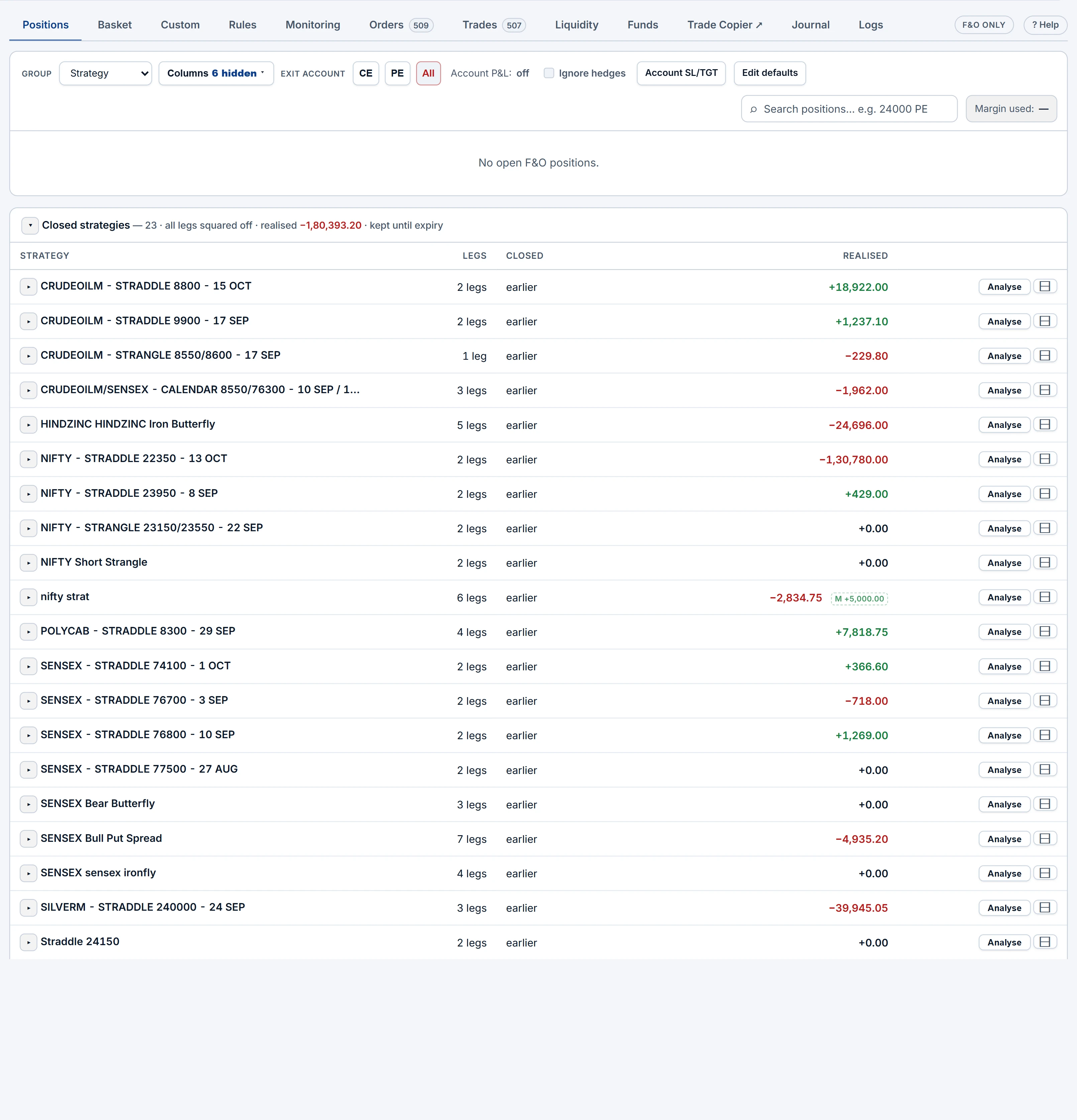
From the Journal tab, Reset account clears a Demo account's orders, positions and trade history, returns funds to the starting balance, and clears its stops, targets and groups. It cannot be undone, and it never touches the other Demo account.
- Open the QuikTrade Terminal.
- Click Demo Account 1 or 2 in the accounts sidebar.
- Trade as normal; review results in Journal.
For forward-testing an automated strategy instead, see paper-trading an algo. Once you trust a guard on Demo, the same settings apply on a real account — see risk guards.
Common questions
How much capital does a Demo account start with?
₹1 crore of practice capital, on each of two Demo accounts.
Can I paper trade options on a weekend?
Yes. On weekends and exchange holidays Demo orders fill at the order price or last traded price, and are cleared at 23:59 IST.
Do Demo limit orders fill instantly?
No. A limit away from the market rests until the live price reaches it, and stops wait for their trigger, as on an exchange.
Are MIS positions squared off on Demo?
Yes, on the server at the intraday cut-off, even if the Terminal is closed.
Who can use Demo trading?
Every logged-in user. No broker connection is needed.
More on QuikTrade Terminal
More in QuikTrade Terminal · App: QuikTrade Terminal · Definitions: glossary · All: every article